Last updated: 2026-10-08

Free templates

Marriage Biodata Template | Free Online Format

A free marriage biodata template is useful when you want a starting structure instead of designing the document from scratch. The important question is whether the template can be personalised without breaking its layout.

Quick answer

Choose a template with a clear field hierarchy, replaceable photo, editable text and A4 output. Avoid templates that force every family into the same set of fields or require you to rebuild the design manually in a graphics editor.

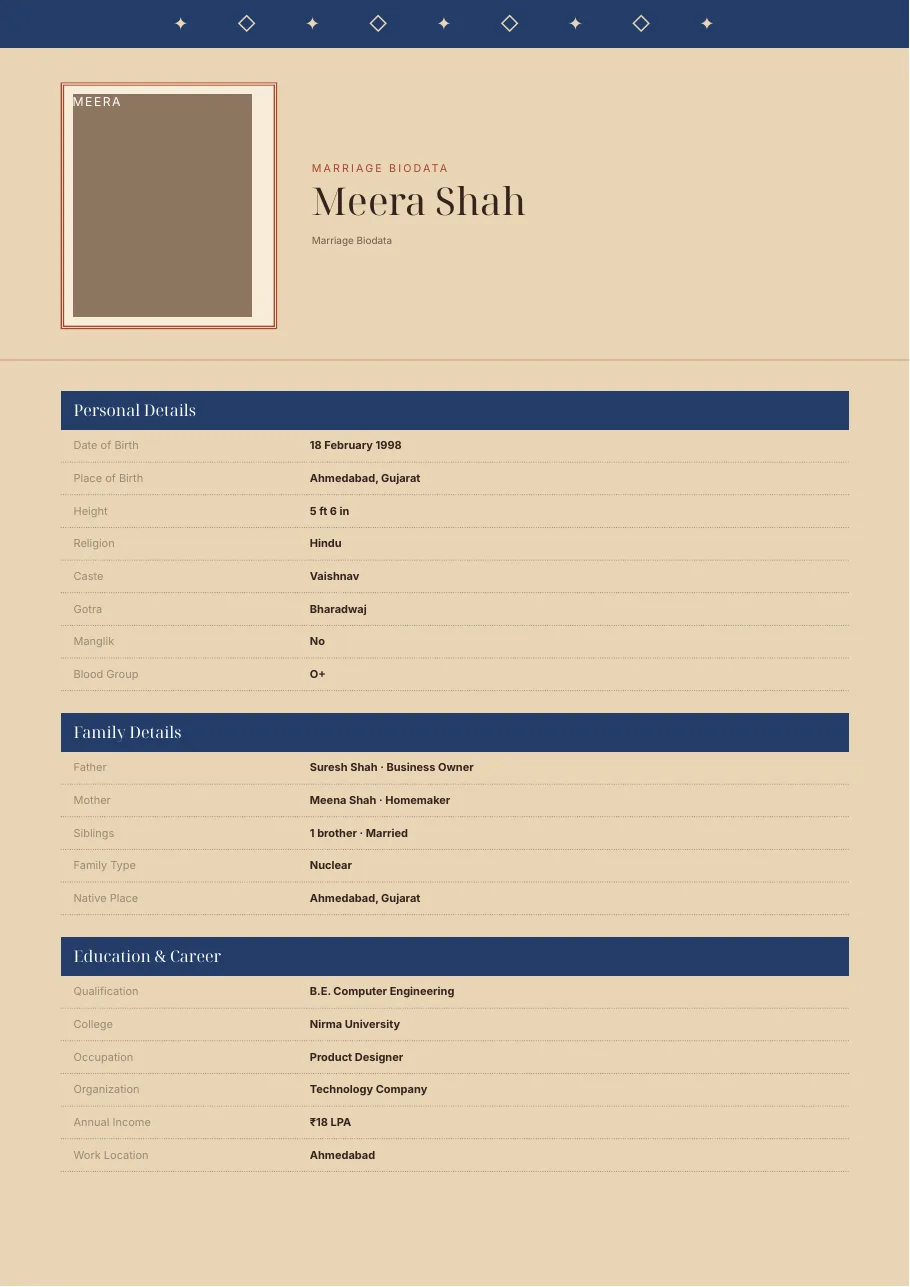
Sandstone Rajasthan marriage biodata template preview
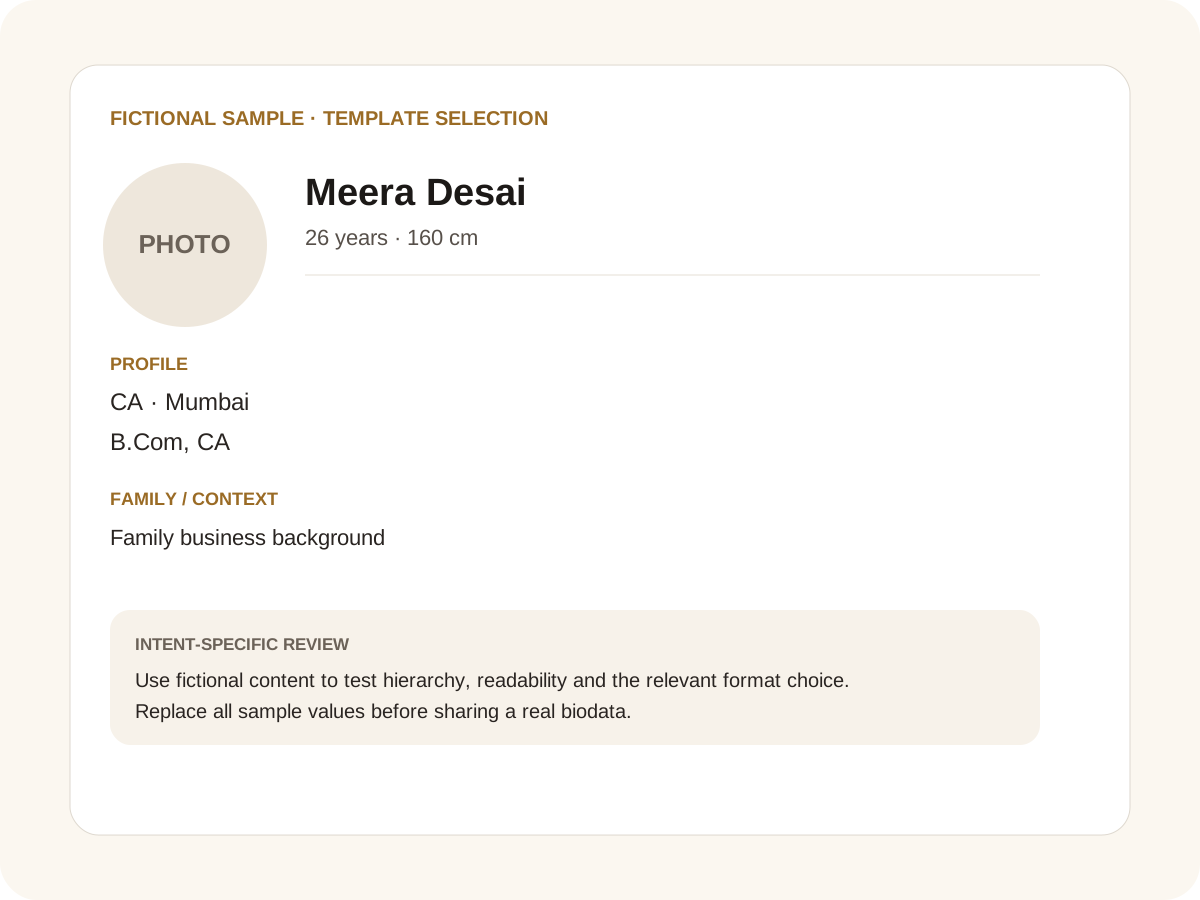
Fictional filled marriage biodata example for template selection
Fictional sample for layout guidance. Replace every value with your own verified information.

Filled sample

What this example demonstrates

  • ✓ Comparing a static template with an online builder
  • ✓ Choosing a template for regional-language text
  • ✓ Preparing a Word-editable final document

What a useful free template should provide

The template should cover common personal, family, education, career and contact information while allowing optional fields to be hidden. It should also keep enough room for longer names and regional-language text.

A good template is more than a decorative image. It should produce a document that remains readable after real information replaces the sample text.

Free download versus online maker

A static download gives you a starting file but usually leaves formatting work to you. An online maker can keep the field structure and design connected, making it easier to change a photo, remove a field or reorder information.

If you need a Word document, use an actual DOCX export. If you need a print-ready copy, use the A4 PDF flow. For quick WhatsApp sharing, an image export can be more convenient.

Choosing between online templates and design software

Search results may also point to Canva designs, Photoshop PSD files or editable Google Docs templates. EasyBiodataMaker does not provide those source-file formats. Instead, it provides a browser-based biodata workflow where the fields, photo handling and supported exports stay connected.

A dedicated marriage biodata maker keeps the matrimonial fields, photo handling and A4 export together. Choose the workflow that gives your family the least formatting work while keeping the final document readable and editable.

Choosing a template for your family

Traditional, modern, royal and minimalist designs can all work. Pick based on readability and family preference rather than claims that one style is universally best.

Community presets can provide a starting point for Gujarati, Marathi, Hindi, Jain, Muslim, Sikh or Christian profiles, while keeping optional fields under the user’s control.

Common mistakes for this intent

  • • Assuming every “free template” includes source files
  • • Downloading a screenshot instead of an editable result
  • • Ignoring long names and Indic text during template choice
  • • Promising Canva or PSD files that are not supplied

Practical examples to compare

  1. 1. Comparing a static template with an online builder
  2. 2. Choosing a template for regional-language text
  3. 3. Preparing a Word-editable final document

How to use a template selection example

Template searches are often made before the user knows exactly which export they need. This example treats the template as a working layout rather than a picture to download. The fictional profile shows why editable fields, photo placement and A4 behaviour matter more than a decorative thumbnail. When comparing options, test a realistic name, a longer occupation, a regional-language value and a family section with several relationships. A template that survives real content is more useful than one that only looks good with placeholder text.

For this intent, the sample facts are deliberately fictional: Meera Desai is shown as the profile name, while the rest of the values establish a believable context without representing a real person. The example uses 26 years · 160 cm, CA · Mumbai and B.Com, CA to show how personal, career and education information can sit together. The family line, “Family business background,” demonstrates the amount of context that can be supplied without turning the first page into a family directory. Replace every value with verified information before sharing.

Three situations this format can handle

Three practical ways to use this format are worth testing. First, comparing a static template with an online builder. Second, choosing a template for regional-language text. Third, preparing a word-editable final document. These are different use cases rather than three versions of the same paragraph: one prioritises the information hierarchy, another changes the family context or audience, and the third tests how the design behaves when an optional requirement is introduced. Keeping those choices explicit makes it easier to explain why a particular template or field order was selected.

Review the finished template selection profile

The most useful review is a content review followed by a rendering review. Check the facts, spelling, dates, relationships and location first. Then inspect the final page at the size at which a parent or prospective match will actually read it. For this page, pay particular attention to template selection: it should be visible enough to answer the searcher’s question but should not overwhelm the rest of the profile. If a detail does not help a genuine first introduction, remove it rather than shrinking everything else.

A practical checklist

  • ✓ A4-ready layout
  • ✓ Editable information
  • ✓ Photo support
  • ✓ Optional field controls
  • ✓ Regional-language support
  • ✓ PDF and Word export
Start a free biodata

Related biodata resources

Frequently asked questions

Yes. You can create a profile from the available designs and export the finished document rather than editing a static screenshot.